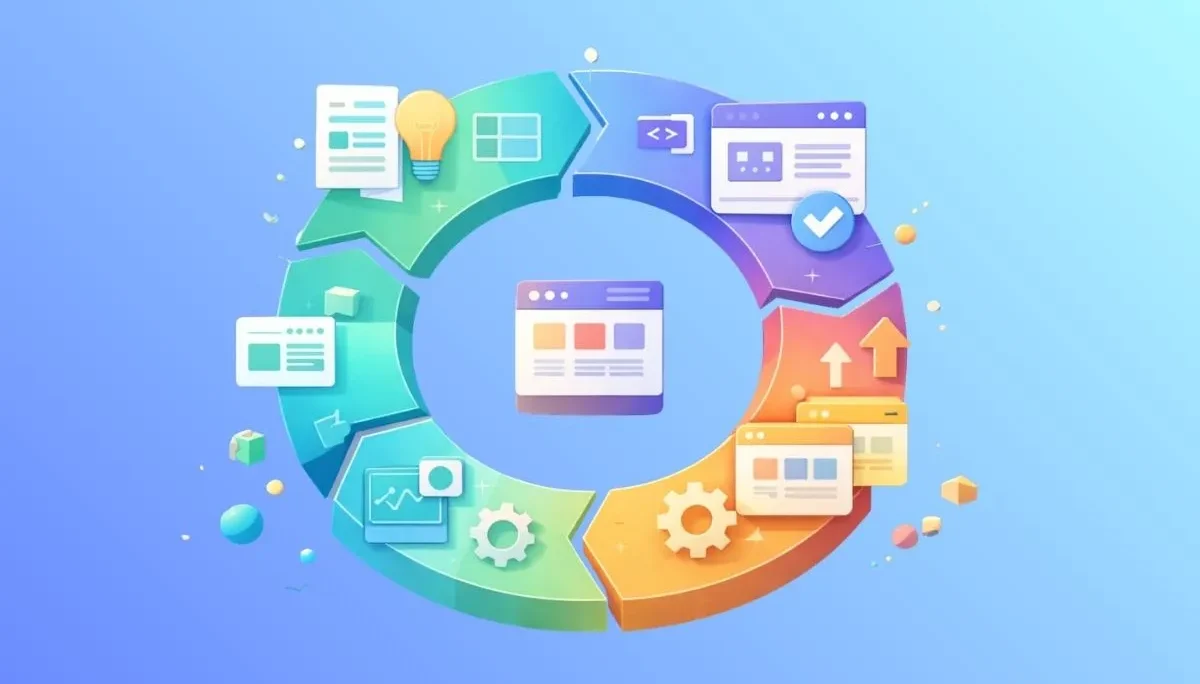
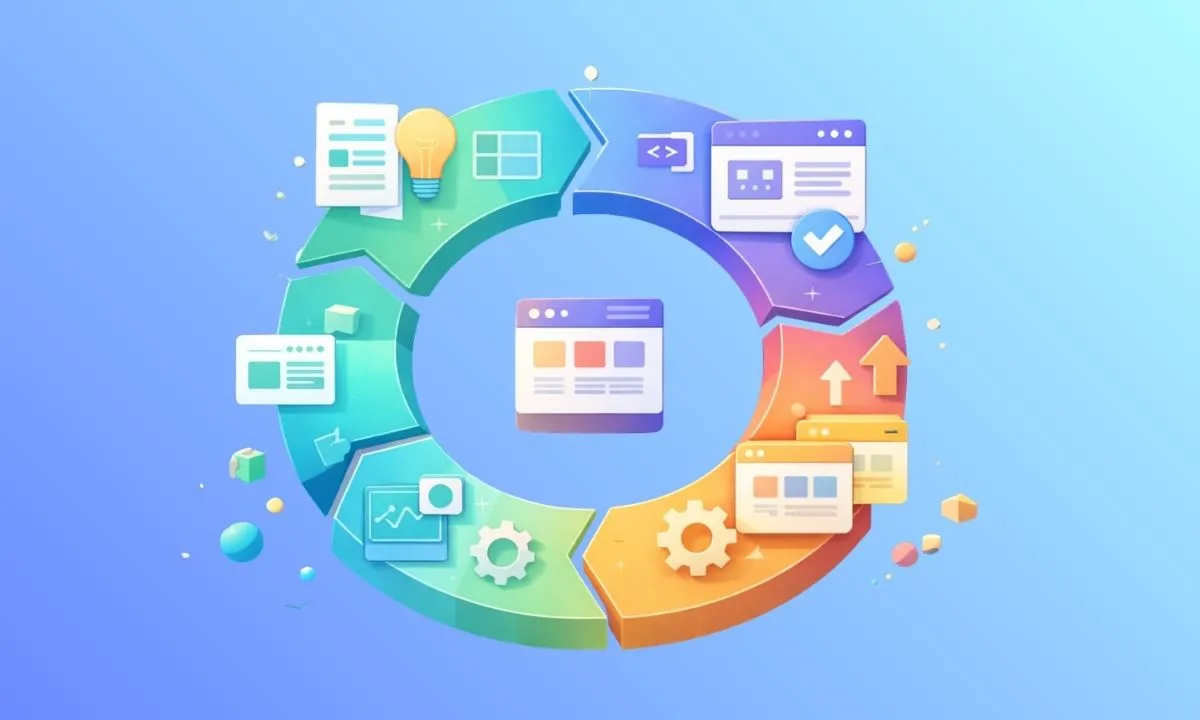
The Software Development Lifecycle (SDLC) is a structured process used by software engineering teams to design, develop, and test high-quality software. When founders ask what is SDLC or look up the SDLC meaning, they are usually trying to figure out how to stop projects from running over budget and past deadlines.
Why is this framework so important? Simply put, it is the blueprint for your entire development process that minimizes risk and improves overall efficiency.
A well-executed software development lifecycle explained in practical terms is just about moving a product from an idea to a live application while maintaining strict quality assurance.
You are building guardrails so that every developer, designer, and project manager knows exactly what they should be doing and when.
Building a commercial application requires more than just opening an IDE and writing code.
To execute the 7 phases of software development effectively, tech teams must balance technical system architecture with strict project timelines.
These stages of SDLC map out the chronological software development steps needed to launch successfully without burning through cash.
Here is an in-depth breakdown of how the lifecycle phases work in the real world.
Every successful build starts with defining the core objective. During the SDLC planning phase, senior engineers and stakeholders conduct a high-level feasibility study.
This stage isn’t just about throwing ideas at a whiteboard; it is heavily focused on allocating developer hours and securing resources.
You have to forecast exactly how much time is required and ensure your operational budget aligns with those projections.
Managing this phase accurately often requires tying your technical roadmaps into robust sales management or forecasting tools to ensure profitability.
Common Bottleneck (Misaligned Expectations): If founders and developers are not on the exact same page regarding the budget and timeline, the project is doomed before it even starts.
Standard Tools: Product managers rely on Atlassian Confluence for high-level documentation, while agencies use ERP modules to forecast financial viability.
Once the plan is approved, the team moves into gathering exact specifications.
Requirements gathering in software engineering translates vague ideas into actionable technical tasks.
This means defining what the software must do, who will use it, and what security protocols must be met. A detailed Software Requirement Specification (SRS) document is created to serve as the ultimate rulebook.
Common Bottleneck (Scope Creep): Clients frequently change their minds mid-project. If you do not strictly lock down the SRS document early, you will end up doing unpaid extra work, destroying your profit margins.
Standard Tools: Teams use Jira Product Discovery or Notion to organize user stories. This is also where an ERP helps map out the billing milestones for the client.
With the rulebook written, the team steps into the system design in SDLC.
This is where the software architecture is fully mapped out before a single line of code is written.
Engineers and UI/UX designers create interactive wireframes, define database structures, and establish the overall system architecture. It sets the visual language and the backend logic.
Common Bottleneck (Over-Engineering): Teams often waste time designing highly complex, massively scalable architectures for simple MVP (Minimum Viable Product) features that do not need them yet.
Standard Tools: UI/UX designers heavily use Figma or Adobe XD for rapid prototyping. Meanwhile, backend architects map out complex data flows using Lucidchart or Draw.io.
This is the core development phase where the actual product is built.
During the coding phase in SDLC, developers focus on writing the source code using the agreed-upon tech stack and frameworks.
This is where the implementation in software engineering transforms design documents and wireframes into a functional, clickable application. This involves daily standups and code reviews.
Common Bottleneck (Technical Debt): When developers are rushed by management to meet tight deadlines, they often write messy, undocumented code. This “debt” will eventually slow down future updates and cause crashes.
Standard Tools: Developers live inside IDEs like VS Code or IntelliJ. For version control and collaborative coding, GitHub and GitLab remain the absolute industry standards.
Writing the code is only half the battle.
The software testing phase is absolutely critical for finding vulnerabilities, broken links, and severe logic errors before the public sees them.
QA in SDLC involves rigorous bug tracking, load testing, performance checks, and User Acceptance Testing (UAT). Strong quality assurance protects the agency’s reputation.
Common Bottleneck (Undocumented Edge Cases): Users behave unpredictably. If testers only follow the “happy path” and ignore weird, unlikely scenarios, critical bugs will slip into the live product.
Standard Tools: QA engineers track issues using Jira, automate cross-browser testing with Selenium, and verify backend API endpoints using tools like Postman.
After the QA team signs off, the software deployment process begins.
This is the highly anticipated stage of launching software into a live environment or production server.
The release is usually carefully orchestrated, often happening during late-night hours to avoid service downtime for any existing users.
Common Bottleneck (Environment Mismatch): The classic “it worked on my machine” problem. If the live server configuration does not perfectly match the testing environment, the launch will fail.
Standard Tools: DevOps engineers rely heavily on Docker for containerization, Jenkins or GitHub Actions for continuous integration (CI/CD), and cloud platforms like AWS for hosting.
A software product is never truly finished.
The software maintenance phase involves post-launch support, continuous security patching, and version control.
As users interact with the software, new feature requests and unforeseen bugs will inevitably pop up. Teams must upgrade legacy systems as underlying technology evolves.
Common Bottleneck (Resource Drain): Keeping top-tier developers stuck on maintaining old legacy projects prevents them from building new, profitable applications for your agency.
Standard Tools: Customer support teams use Zendesk or Intercom to track user tickets, while developers monitor live system errors and server crashes using Sentry or New Relic.
Choosing the right framework dictates how your team operates and how your agency makes money. When comparing agile vs waterfall, you are looking at two fundamentally different SDLC methodologies.
The agile framework focuses on iterative development, while Waterfall relies on strict linear progression.
If you are wondering which SDLC model is best, it entirely depends on your project scope. Agile is best for dynamic projects that require frequent changes, while Waterfall works well for fixed-scope projects.
Here is a quick breakdown of how they compare:
| Feature | Agile Model | Waterfall Model |
|---|---|---|
| Speed of Delivery | Fast. Software is delivered in rapid iterations (Sprints). | Slower. The entire project is delivered at the very end. |
| Flexibility | High. Easy to adapt to changing client requirements mid-project. | Low. Changes are difficult and costly once the design phase is locked. |
| Best Used For | Dynamic projects, startups, and continuous product development. | Large enterprise systems with fixed scopes. |
Knowing the definitions is fine, but as a technical founder, you need to know which model protects your profit margins based on the client type and your team size.
When to Choose Agile:
Agile is the absolute gold standard when you are dealing with foreign clients (like US or UK startups) or building your own SaaS products.
Why? Because product requirements will inevitably change. A startup founder might pivot their entire strategy mid-month based on market feedback.
Agile works perfectly for retained, cross-functional teams (usually 5 to 15 members) who work in continuous two-week sprints. It allows you to bill for ongoing developer hours rather than a single fixed outcome, ensuring steady cash flow for your agency.
When to Choose Waterfall:
Waterfall is your safest bet for local fixed-budget projects or corporate contracts in Bangladesh.
If a local enterprise gives you a strict, non-negotiable budget for a custom inventory system, you absolutely cannot afford scope creep.
You need the rigid, unbending structure of Waterfall. By forcing the client to sign off on every single feature during the system design phase, you protect your agency from doing unpaid extra work. Once the coding phase starts, any new feature request requires a brand-new contract.
Managing software teams effectively goes beyond just tracking code commits in GitHub.
If you are running an IT firm in Dhaka, you have to manage developer salaries, track client billing, and oversee company expenses.
Founders often ask if ERP software can actually help manage software development. The answer is yes, while tools like Jira handle the code, a dedicated ERP handles the business side of development so your technical teams can focus purely on engineering.
This is where a cloud ERP like Biznify bridges the gap between technical execution and business operations.
Here is exactly how integrating your SDLC with an ERP protects your profit margins.
Let’s talk about where local tech firms quietly lose money: poor payroll tracking.
Relying on messy spreadsheets or manual attendance logs creates massive financial leaks. You end up paying for unverified overtime, or worse, developer productivity drops because HR is constantly delayed in processing end-of-month salaries.
Biznify eliminates this through its dedicated HR & Payroll software.
You can automate attendance tracking, seamlessly manage developer leave requests, and process precise payroll calculations instantly.
When your HR is automated, developers stay happy, and you stop leaking cash on administrative errors.
The second biggest operational failure happens right after the SDLC ‘Testing’ or ‘Deployment’ phase.
Developers finish a critical sprint, but the project manager delays notifying the finance team. The client invoice goes out two weeks late, instantly crippling the agency’s cash flow.
Biznify solves this by directly connecting your development timeline to your billing cycle.
Using the Sales Management module, you can link specific project milestones to automated invoicing.
As soon as a phase of the SDLC is completed and approved, the system automatically generates and sends the invoice to the client. This guarantees a steady, predictable cash flow without relying on manual follow-ups.
Instead of paying for five different expensive international tools for HR, accounting, and sales, local IT firms can consolidate their entire workflow into one platform.
Biznify offers transparent pricing in BDT, which starts at ৳1,000/month with a 14-day free trial.
It is the absolute smartest way to keep your agency’s backend operations running just as efficiently as your software development lifecycle.